
How to find baseball box scores at SanLuisObispo.com
1.) Go to SanLuisObispo.com and hover over SPORTS in the blue bar at the top. Click MLB Scores & Stats.

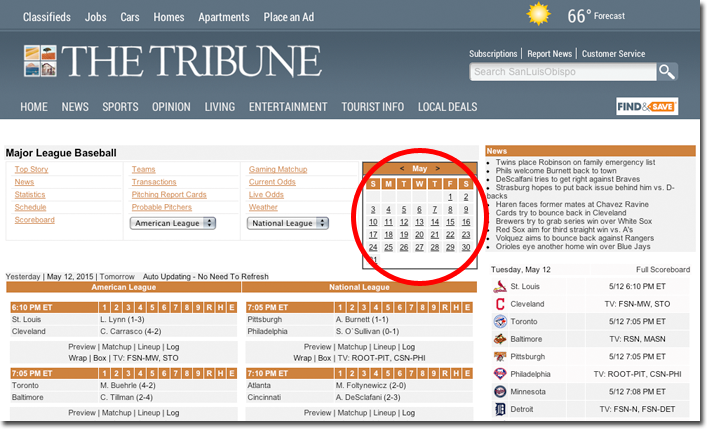
2.) Use the calendar on the right to select the day's games you want to see.
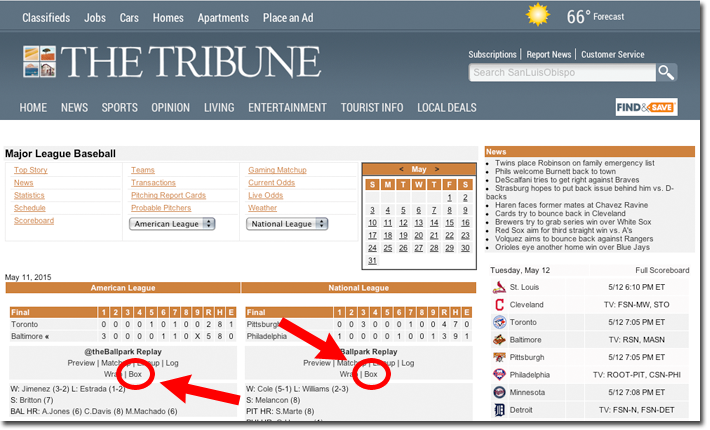
3.) Find your team and click "Box."
4.) You're there!
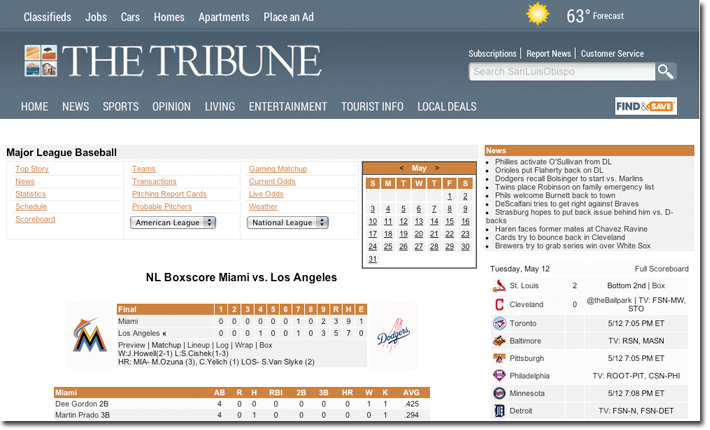
Want more? Click team names, player names, Preview, Lineup, Wrap, etc. for more information.
There’s also an overview page for each team. Bookmark them for quick access:
This story was originally published May 12, 2015 at 12:55 PM with the headline "How to find baseball box scores at SanLuisObispo.com."